The sidebar on
celio.gblink.io has a mode for each of these.
Online Link is two Game Boy Advances over the internet. Create a session and share the Session Id, or join someone else’s. When the page says the partner has connected, link mode is ready.
Trade Simulation trades your cartridge with Pokémon stored as .pk3 or .ek3 files. You pick the files on the page. The game still goes through the Cable Club.
Local Emulator Link connects your Game Boy Advance to mGBA on the same computer. Online Emulator Link puts mGBA in an online session. Both modes use mGBA. Download the script from the page and load it with Tools → Scripting → File → Load script.
The same site also has Advance Wars. That mode is covered on the
Advance Wars page.
Choose Create and share the Session Id, or Join with the other player’s Session Id.
Wait until the page says the partner has connected and link mode is ready.
Go upstairs in any Pokémon Center and talk to the Cable Club attendant. Stay on that screen until the link finishes. Then pick trade, battle, or record mixing in the game.
Connect the link cable to the adapter before selecting GBA mode. The firmware detects cable type at mode selection.
In mGBA, use Tools → Scripting → File → Load script and load that file.
For a local link, connect the adapter and wait until both sides are ready. Your Game Boy Advance talks to the Cable Club attendant, and mGBA enters the Cable Club too.
For an online link, create or join a session the same way as Online Link. Each mGBA loads the script and enters the Cable Club.
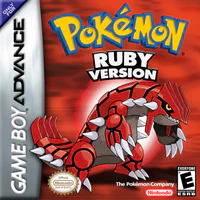 Pokémon Ruby
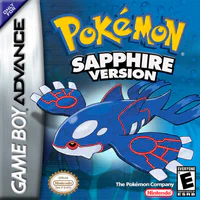 Pokémon Sapphire
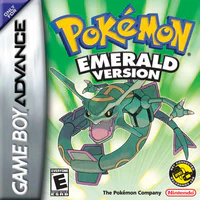 Pokémon Emerald
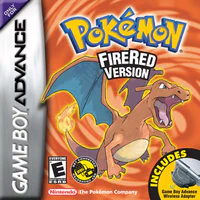 Pokémon FireRed
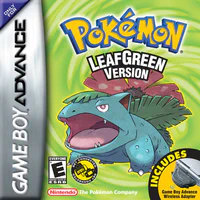 Pokémon LeafGreen