GB-Link
GB-Link Docs
Docs
gblink.io
GitHub
Discord
Get started
Get started
Search
Search
Cancel
Loading search index…
No recent searches
No results for "
Query here
"
Title here
1970-01-01T00:00:00+00:00
Summary here
Getting Started
What is GB-Link?
Where to Buy
Quick Start
User Guide
Setting Up Your Adapter
Updating Firmware
Hardware Compatibility
LED Status Indicators
Games & Tools
Pokémon Gen 3 (Celio)
Pokémon Trading (Gen 1-3)
Tetris Online
Advance Wars 1 & 2
Dr. Mario
Yoshi
Pokémon TCG
Pokémon Event Distribution
Game Boy Printer
GBA Multiboot
Pokémon FireRed & LeafGreen on Switch
GB Cart Doctor
e-Reader Emulation
Wonder Cards
GBA MMO
Mega Man Chip Gate
Pokémon Gen 3 RetroArch Netplay
External Tools
Minoselector
SMA4 Level Editor
Developers
Firmware Architecture
Hardware & Wiring
Building from Source
Porting to Other MCUs
Contributing
On this page
Supported games
Requirements
How to use
Tips
On this page
Supported games
Requirements
How to use
Tips
Pokémon Event Distribution
Supported games
#
Pokémon Red
Pokémon Blue
Pokémon Yellow
Pokémon Gold
Pokémon Silver
Pokémon Crystal
Requirements
#
Game Boy or Game Boy Color
Pokémon Red, Blue, Yellow, Gold, Silver, or Crystal, with room in the party or the PC
GB-Link adapter and a Game Boy or Game Boy Color link cable
Chrome, Edge, or Firefox 151 or newer
How to use
#
Insert your cartridge and turn the console on.
Open
distribution.gblink.io
and connect your adapter.
Pick the event for your game version.
Start the receive in the game and wait until the Pokémon is in your party or PC. Then save.
Tips
#
Save before you receive the Pokémon.
You need an empty party slot or an empty PC box. A full box refuses the gift.
Each event is for one game. A Gold event does not work on Crystal. The page labels which game each event is for.
Prev
Pokémon Trading Card Game
Next
Game Boy Printer
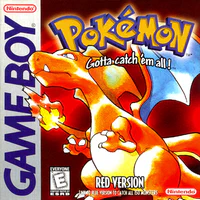 Pokémon Red
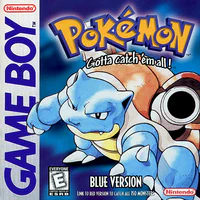 Pokémon Blue
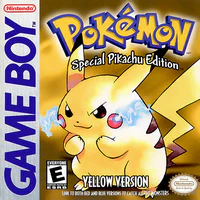 Pokémon Yellow
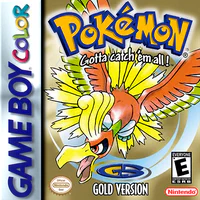 Pokémon Gold
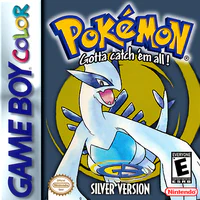 Pokémon Silver
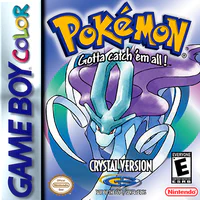 Pokémon Crystal